Process iPhone HEIC photos: conversion, metadata and output checks
COCOKESU accepts HEIC photos, but does not save a cleaned HEIC file. It converts the main image to JPEG or PNG on your device, then checks that output. Keep the original and inspect the new copy before deciding to share it.
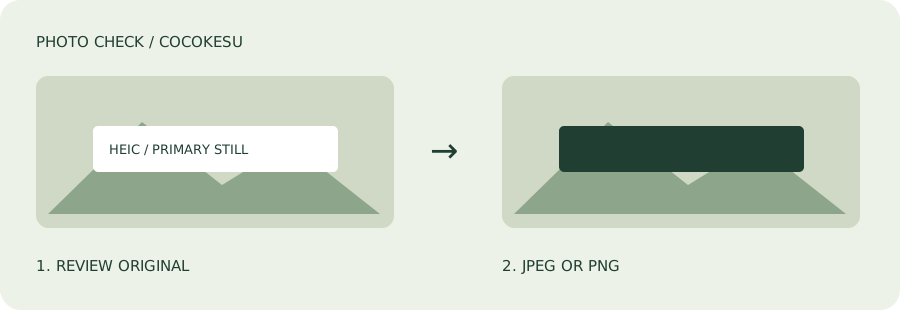
Understand the format you selected
Apple describes HEIF as a format used for photos. Not every related file variant is necessarily supported by this tool. If a file cannot be opened, keep it and read the error rather than repeatedly changing its extension. Renaming a file does not convert the image inside it.
Allow the first-use module download
The first HEIC operation loads an approximately 2 MB conversion module from this site. It is not an AI model. The image is processed on your device rather than sent to a server for conversion. Loading and processing time depend on the connection and device. Leave the page open while work is in progress, and check the result before closing it.
Know what the conversion includes
The recommended setting converts the main image to JPEG; the PNG setting creates a PNG. The app does not individually inspect every source HEIC tag. Instead, it checks the converted output for GPS and the metadata it removes. Keeping the output in HEIC, preserving multiple images, and retaining the video part of a Live Photo are not supported.
Review color, orientation and visible details
Conversion to RGB can change color, image quality and HDR appearance. Check skin tones, product colors, bright areas and the image's orientation in the saved copy. Use the manual editor to cover names, addresses or other private details with opaque rectangles. This is not automatic recognition. The original is unchanged, and adding a mask produces a PNG copy.
If the photo does not load
Stay within 30 MB and 50 megapixels per file, 16,384 pixels per side, 20 files and 100 MB total. Another route is to export a JPEG or PNG using a suitable local app, such as Preview on a Mac, and then process that file. Conversion alone should not be treated as proof that location metadata was removed.
- Keep the original HEIC file.
- Check the converted copy's appearance and background.
- Choose the processed copy in the sharing screen.
Make the final sharing decision
A clean metadata report cannot guarantee anonymity. The background and caption may still suggest a place, and not every device or HEIF variant has been verified. Once you understand the conversion limits, use the free tool to prepare a separate sharing copy and review it one last time.